












HWID Spoofer 2026: Unban Your PC From Any Game (Beginner Guide)
Beginner 2026 guide to HWID spoofers — what a hardware ID spoofer does, how it removes hardware bans in games like Fortnite, Valorant, Rust and CS2, temp vs permanent spoofers, with live status and verified reviews.
If you've been hardware banned (HWID banned) from a game, buying a new account won't help — the ban is tied to your PC's hardware, not your login, so the new account gets banned the moment you play. A HWID spoofer fixes exactly this: it changes the hardware identifiers anti-cheats read, so your PC looks like a brand-new machine and your bans no longer apply. This beginner guide explains what a spoofer actually does, the difference between temporary and permanent spoofers, and how to use one safely.
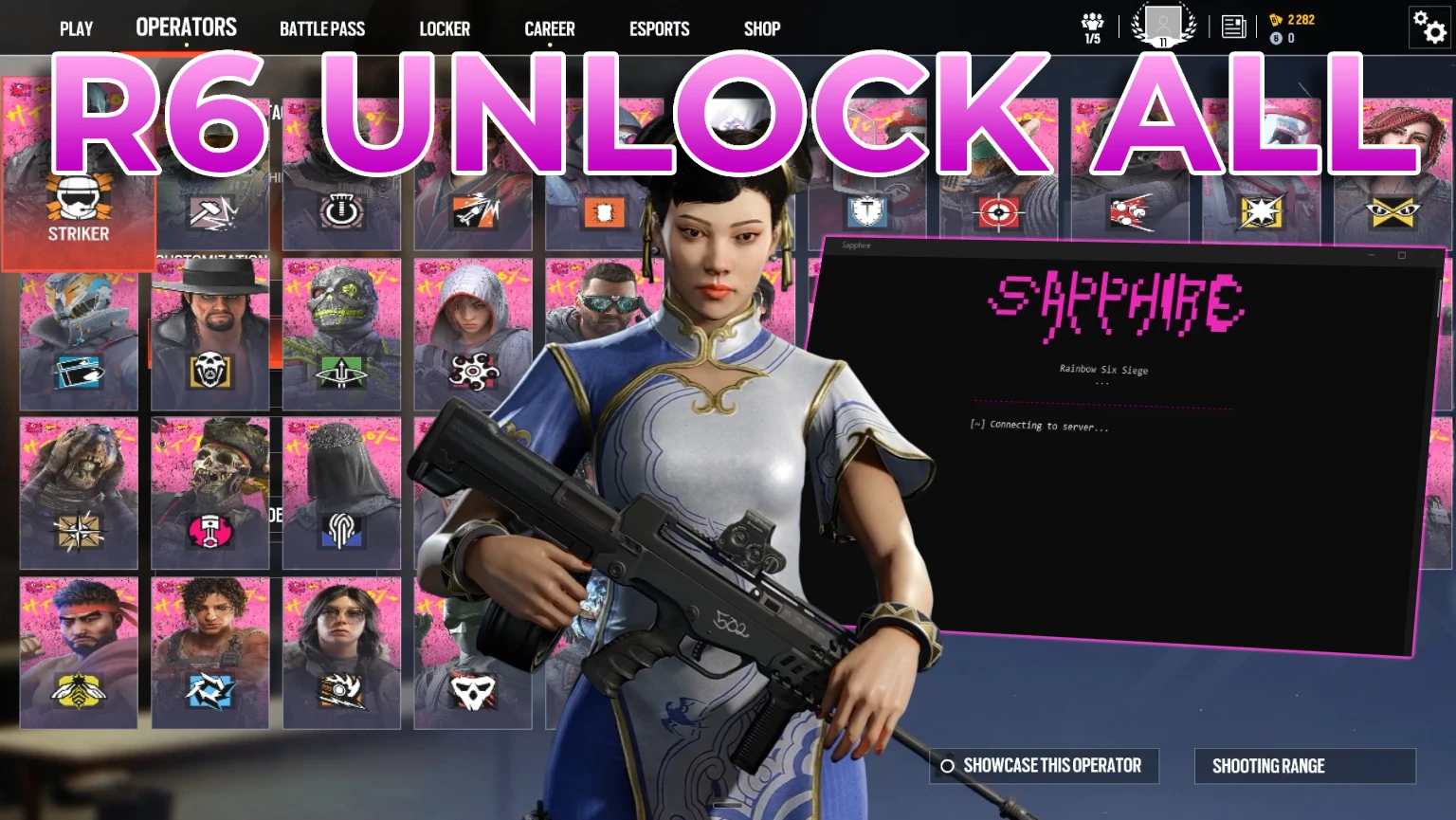
Every spoofer build shows a live undetected status and has verified buyer reviews. Browse them on the spoofer page.
What Our HWID Spoofer Cheats Include
A good spoofer is clean, fast and supports the games you actually play. Here's what ours does.
What a HWID Spoofer Does
- Spoofs your hardware IDs — disk, motherboard, network and other serials anti-cheats fingerprint — so your PC reads as new hardware.
- Removes hardware bans so a fresh (unbanned) account can play normally again.
- Cleans ban traces left by anti-cheats on your system.
- Supports many popular games including Fortnite, Valorant, Rust, CS2, Apex, EFT and more.
Temporary vs Permanent Spoofer
- Temporary (session) spoofer — spoofs each time you boot and reverts on restart; cheaper and great if you only need to play specific sessions.
- Permanent spoofer — a one-time deeper spoof that persists across restarts; best if you want a long-term clean machine.
- Clean, simple interface — most spoofers are a single "clean/spoof" button, no technical knowledge required.
- Fast execution with minimal downtime so you're back in-game quickly.
Why It Matters
- Buying new accounts alone won't work against a hardware ban — you need to spoof first.
- Protects a fresh start so your new account isn't instantly re-banned.
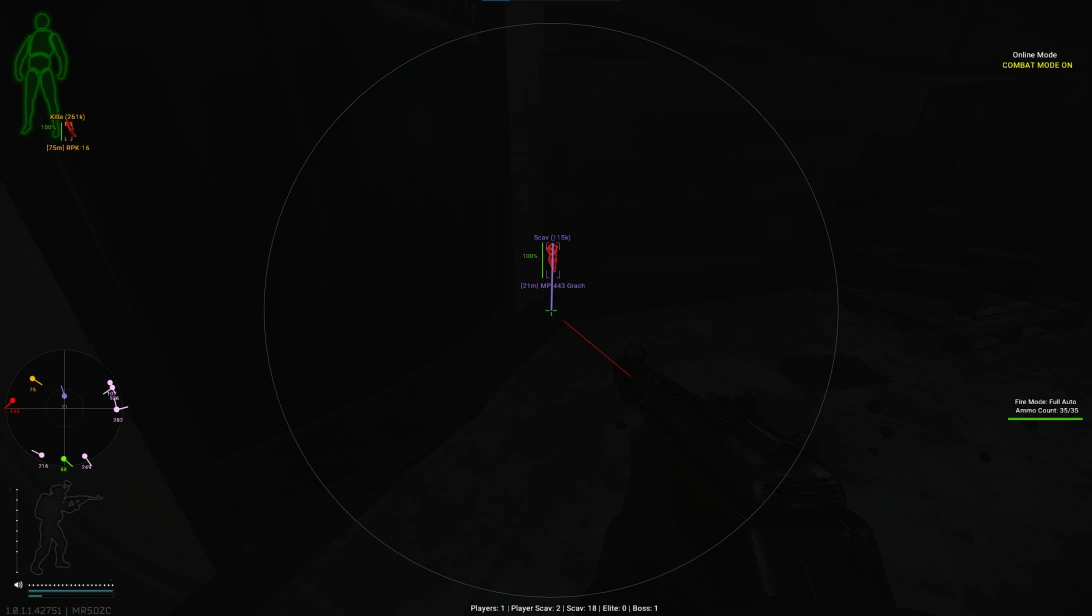
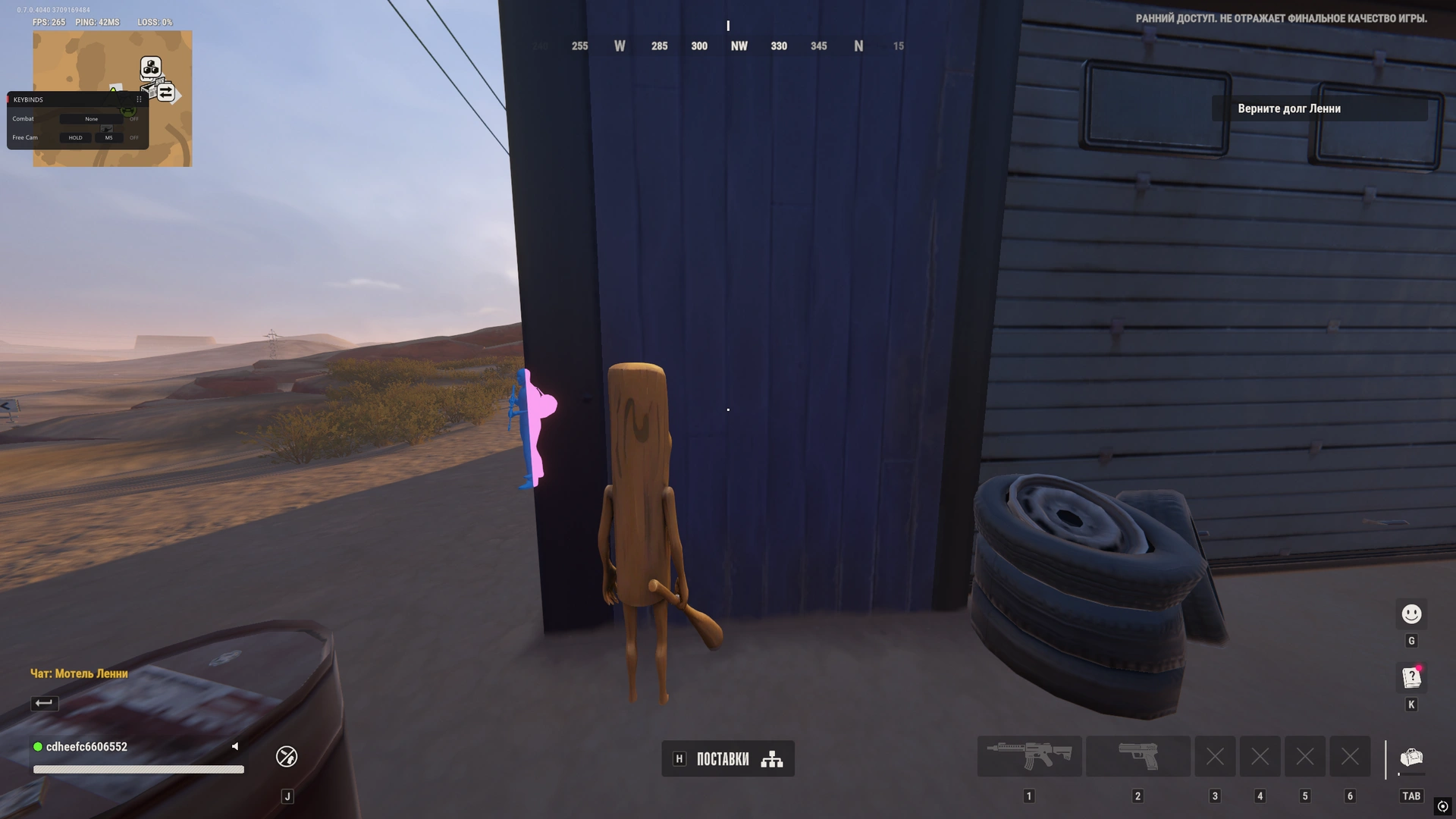
- Pairs with cheats — many players spoof before using any cheat to add a layer of hardware protection.
Are These HWID Spoofer Cheats Undetected? Understanding How Hardware Bans Work
When an anti-cheat issues a hardware ban (HWID ban), it records unique serial numbers from your components — your drives, motherboard, GPU and network adapter — so that even a new account on the same PC is blocked. Kernel-level anti-cheats like Riot Vanguard, BattlEye, Easy Anti-Cheat and VAC all use some form of hardware fingerprinting. A spoofer works by changing or masking those identifiers before the anti-cheat reads them. For beginners: always use a spoofer with a fresh, unbanned account (spoofing then logging into the already-banned account does nothing), and check the live status first. We mark any spoofer in maintenance as Updating on the status page.
The golden rule for staying unbanned is simple: play legit. Use moderate aimbot smoothing, keep visibility checks on, run only the features you need, and never rage-hack or brag in chat. Save a safe everyday config and check the live status page before every session.
How to Set Up Your HWID Spoofer Cheat (Beginner Guide)
New to cheats? The process is the same for almost every product and takes about five minutes:
- Buy and check your account. Your license key and loader download appear instantly in your account after checkout.
- Prepare Windows. Temporarily turn off Windows Defender real-time protection and any third-party antivirus — they flag all game cheats by default, even clean ones, because of how injection works.
- Run the loader as administrator and paste your license key. Injection usually takes 20–40 seconds.
- Launch HWID Spoofer normally through its launcher, load into a match, and press your menu key (commonly the spoofer app) once you can move.
- Turn on the clean/spoof button first to get comfortable, then enable the rest and tune the sliders until it feels natural.
Stuck? Our support team replies on Discord and live chat in minutes, every product ships with a step-by-step guide, and the docs explain every feature in plain language.
Why Buy HWID Spoofer Cheats From Pegasus
- Live undetected status on every HWID Spoofer product — check it on our status page before you buy instead of trusting a static "undetected" badge.
- Verified buyer reviews — only real customers who purchased can leave one, so the ratings on our reviews page are genuine.
- Instant delivery, 24/7 — your license key and download are in your account the second checkout completes.
- Same-day patch updates after game updates and anti-cheat waves, free for the life of your subscription.
- Temp and permanent options so you pick the spoof depth and price that fits your situation.
Get Back In the Game
Hardware-banned players use a spoofer plus a fresh account to return to a game they were locked out of. Cautious cheaters spoof before every session to add hardware protection on top of their cheat's HWID guard. Players starting fresh use a permanent spoofer for a long-term clean machine. Whatever your situation, the rule is the same: spoof first, then use a new unbanned account.
Wipe the ban and start fresh. View all HWID Spoofer cheats → and check the live status first.